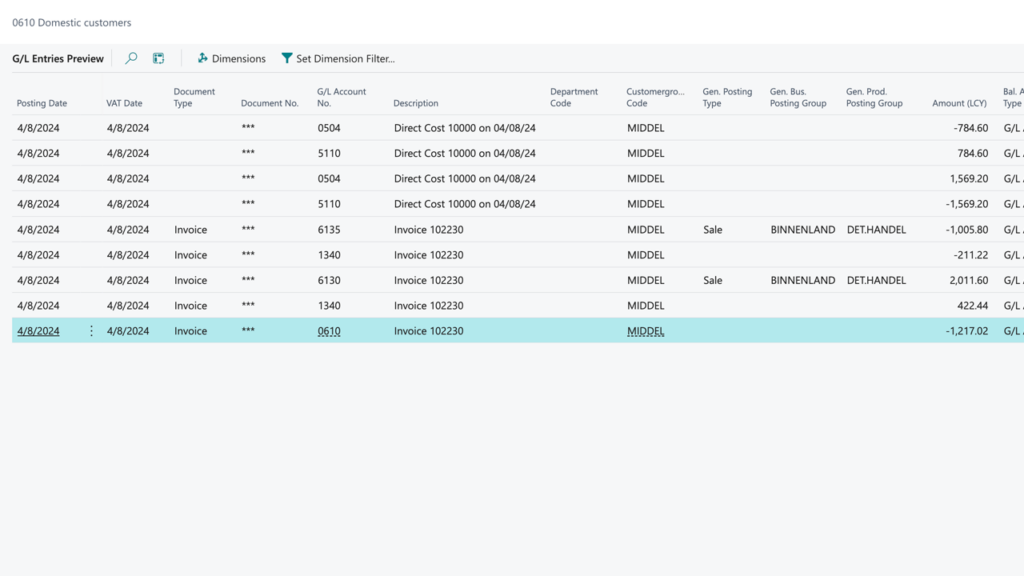
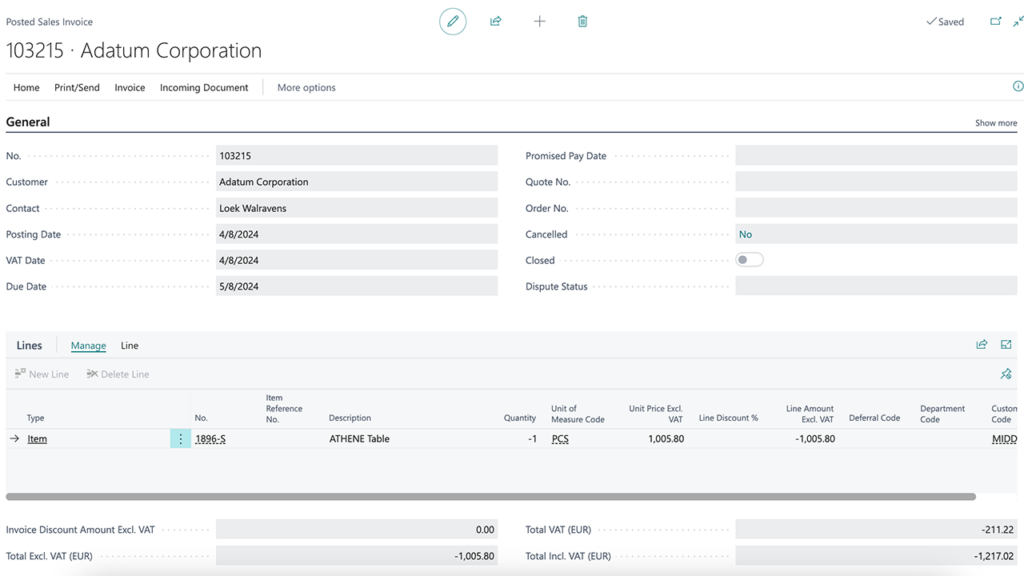
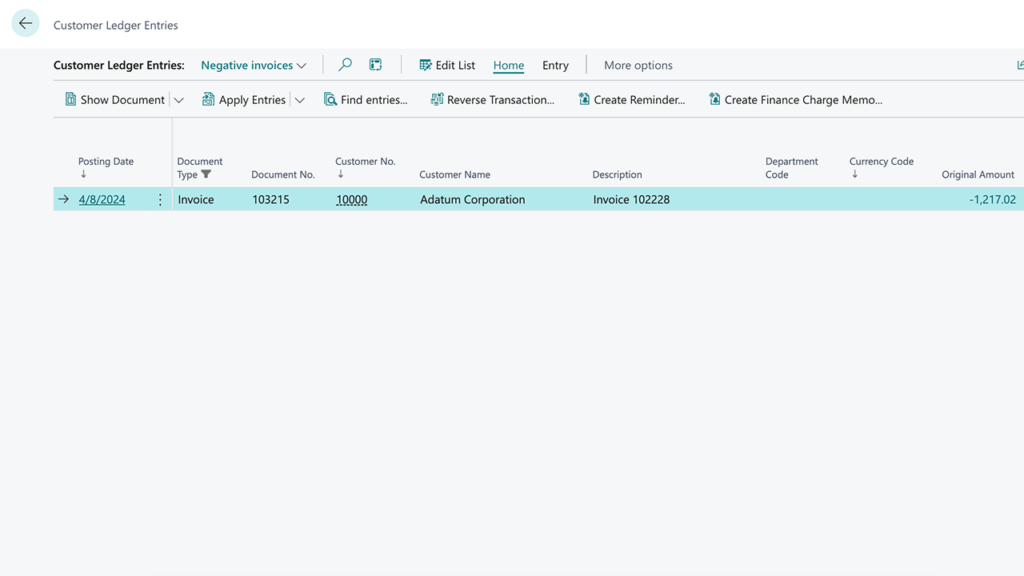
Ever wanted to post a negative sales invoice in Business Central? When handling sales transactions in Business Central, managing returns, exchanges, or even purchasing items from customers can become cumbersome. Traditional methods require creating both a credit memo and a new sales invoice, leading to unnecessary steps and potential errors.
With Codadot’s Negative Sales app, you can now simplify this process. Our solution allows you to directly post negative sales invoices in Business Central, streamlining your workflow and reducing administrative burden.
Negative sales invoice in Business Central
Imagine a customer exchanges a product for a less expensive one—traditionally, you’d need to issue a credit memo for the return and then create a new sales invoice for the exchanged item. With Negative Sales, you handle the entire transaction with a single negative sales invoice, saving time and reducing complexity.
Additionally, Negative Sales empowers your business to easily purchase items from customers without needing separate documentation processes. This functionality opens up new opportunities for trade-ins or buy-back programs, all within your familiar Business Central environment.
Handle returned items and cheaper new items in a single document
Buy from customers
Buy items from customers using negative sales invoices
Flexible and highly configurable
Set which G/L accounts to use, under which conditions negative invoices are allowed, and more.
Post a negative sales invoice easily
The app seamlessly integrates with your existing setup, offering a straightforward and efficient way to handle complex transactions. Whether you’re managing returns, exchanges, or purchasing goods from customers, Negative Sales ensures your processes are smooth, accurate, and hassle-free. Posting a negative sales invoice in Business Central is no longer impossible.
Enhance your Business Central experience with Negative Sales—the smarter way to manage sales transactions.